
MATSEOTOOLS

Loading

MATSEOTOOLS brings everything you need in one place — from AI tools List, color Library, SEO analyzers, image processing, conversion utilities, text tools, and developer tools to ready-to-use AI prompts & informative blogs. Save time, boost creativity, and get work done faster than ever.

Search Helpful Blogs & Articles

How to Create a Form In WordPress Without Plugin?
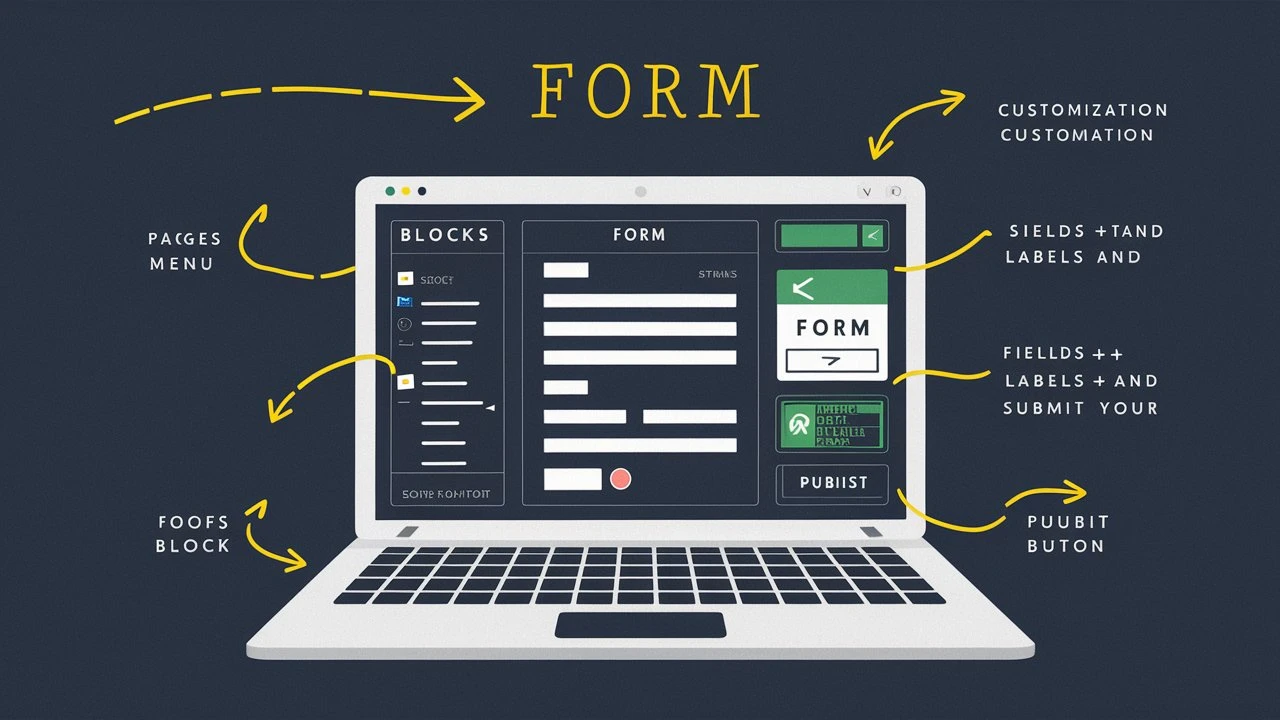
How to Create a Form In WordPress Without Plugin?

Creating a form in WordPress without using a plugin can be accomplished through custom coding. This approach gives you complete control over the form's functionality and appearance, but it requires a basic understanding of HTML, CSS, and PHP. In this article, we will walk you through the steps to create a simple contact form in WordPress without relying on plugins. We will cover setting up the form, handling form submissions, and adding some basic styling.

Why Create a Form Without a Plugin?

Using plugins is often the easiest way to add functionality to your WordPress site. However, there are several reasons you might want to create a form without a plugin:

  1. Performance: Plugins can add bloat to your site, slowing it down.
  2. Customization: Custom coding allows for more precise control over form functionality and styling.
  3. Learning: Building a form from scratch can be a valuable learning experience.

Step-by-Step Guide to Creating a Form in WordPress

1. Setting Up the Form

First, you'll need to create an HTML form. You can add this form to any page or post using the WordPress editor. For this example, we'll add a contact form to a page.

  1. Open the WordPress Editor: Navigate to the page where you want to add the form.
  2. Switch to HTML View: Click on the three dots in the top right corner of the editor and select "Code Editor."

Now, add the following HTML code to create a basic contact form:

<form method="post" action="<?php echo esc_url( $_SERVER['REQUEST_URI'] ); ?>"> <p> <label for="cf-name">Name</label> <input type="text" id="cf-name" name="cf-name" pattern="[a-zA-Z0-9 ]+" required> </p> <p> <label for="cf-email">Email</label> <input type="email" id="cf-email" name="cf-email" required> </p> <p> <label for="cf-message">Message</label> <textarea id="cf-message" name="cf-message" required></textarea> </p> <p><input type="submit" name="cf-submitted" value="Send"></p> </form>

2. Handling Form Submissions

Next, you'll need to handle the form submission with PHP. This code will process the form data and send it via email. Add the following code to your theme's functions.php file:

 
function deliver_mail() { // Check if the form is submitted if ( isset( $_POST['cf-submitted'] ) ) {// Retrieve form data $name = sanitize_text_field( $_POST["cf-name"] ); $email = sanitize_email( $_POST["cf-email"] ); $message = esc_textarea( $_POST["cf-message"] ); // Set the recipient email address $to = get_option( 'admin_email' ); // Set the email subject $subject = 'New message from ' . $name; // Build the email content $headers = "From: $name <$email>" . "\r\n"; // Send the email wp_mail( $to, $subject, $message, $headers ); // Provide feedback to the user echo '<div>'; echo '<p>Thanks for your message!</p>'; echo '</div>'; } } // Hook the function to form submission add_action( 'wp_footer', 'deliver_mail' );

3. Styling the Form

To enhance the appearance of your form, you can add custom CSS. Place the following CSS code in your theme's style.css file:

 
form { max-width: 600px; margin: 0 auto; padding: 1em; background: #f9f9f9; border-radius: 5px; }form p { margin: 0 0 1em 0; } form label { display: block; margin-bottom: .5em; color: #333333; } form input, form textarea { border: 1px solid #CCCCCC; padding: .5em; font-size: 1em; width: 100%; box-sizing: border-box; } form input[type="submit"] { background: #333333; color: white; border: 0; padding: 1em; cursor: pointer; font-size: 1em; border-radius: 5px; } form input[type="submit"]:hover { background: #555555; }

Conclusion

Creating a form in WordPress without a plugin involves writing custom HTML, PHP, and CSS. This method can improve your site's performance and provide greater control over form customization. By following the steps outlined in this guide, you can create a simple yet effective contact form.

Remember to test your form thoroughly to ensure it works correctly. This includes verifying that emails are sent and received as expected and that all form fields are validated properly.

Social Share

Related Posts

5 Best Free Tools for Blogging in 2025

Make blogging easy in 2025 with these 5 free tools. From keyword research to image optimization, the

READ MORE

How To Choose The Right Business Listing Category

Learn how to choose the right category for your business to increase traffic and leads. This guide w

READ MORE

Advanced CLS Debugging Tool in Chrome DevTools

Discover Chrome's new CLS debugging tool in DevTools, offering real-time visualization and diagnosti

READ MORE

Be sure to learn these AI tools before 2025 arrives!

These are the AI tools that you must Learn or try before 2025. ChatGPT simplifies your content, Jasp

READ MORE

Explore All Color Code Formats

Quickly browse through various color code models — click below to view and copy swatch-ready color codes instantly.

All-In-One Powerful Toolkit

Create, Convert, Optimize & Grow — All In One Platform

MATSEOTOOLS brings everything you need in one place — from AI tools List, color Library, SEO analyzers, image processing, conversion utilities, text tools, and developer tools to ready-to-use AI prompts & infomative blogs. Save time, boost creativity, and get work done faster than ever.

  • Access 100+ tools for creativity, marketing ideas, SEO, and development.
  • AI Library with pre-built prompts to generate perfect content instantly.
  • Color, Image, Dev & Conversion Tools — fast, simple and web based.
  • Blogs, FAQs & tutorials to learn and improve productivity.
Explore Tools
AI feature illustration
Popular Tools

Explore Our Online Conversion Tools

Fast, lightweight, and delightful utilities for everyday work.

Explore Our AI prompts categories

Explore curated prompts that help you think less and create more — faster, smarter, and effortlessly. Discover ideas instantly, stay focused on what matters, and let creativity flow without the guesswork.

decor News & Blog

Explore Our Latest News & Blog